
iOS Utility • AI Photography
Bring your camera roll to life.
Chromify Studio is the all-in-one iOS app that lets you bring your camera roll to life. Convert videos to Live Photos, upscale images with on-device AI, and clean up metadata — all in one lightning-fast workflow.
- Native iOS experience
- All processing on-device
- Built for quality and speed
Core Features
Everything you need to clean up and bring your camera roll to life.
Whether you want to create animated wallpapers from vacation clips, upscale old photos to print-ready resolution, or fix the wrong date on a batch of screenshots, Chromify Studio handles it with a native iOS experience that feels fast and intuitive.
Video to Live Photo
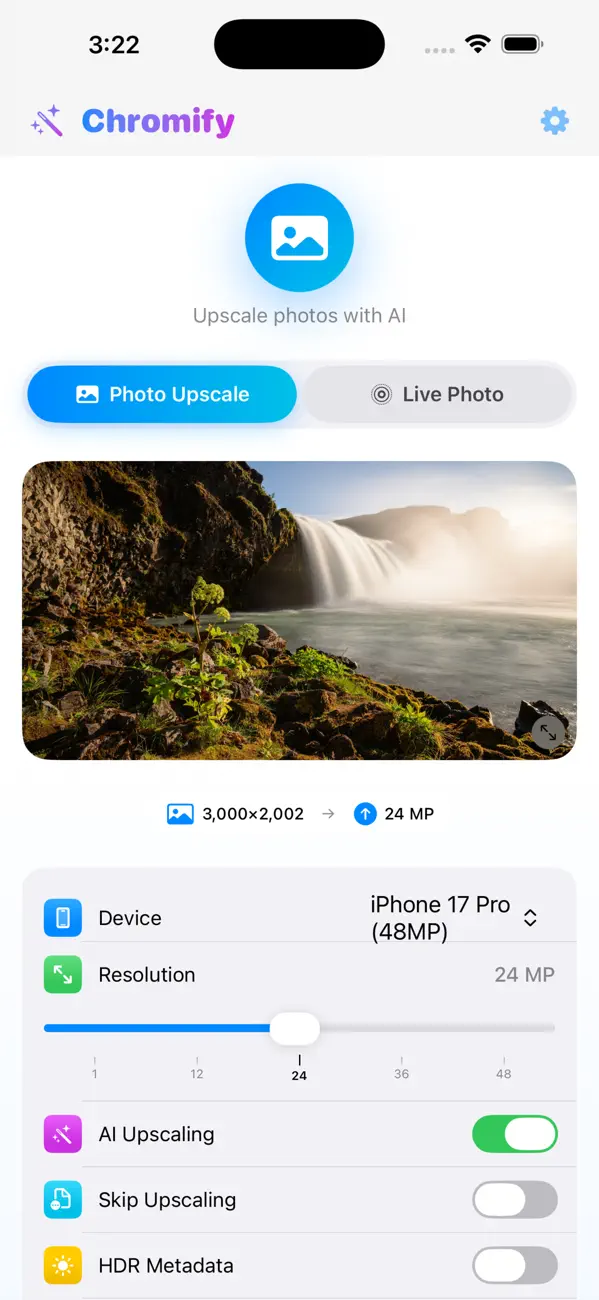
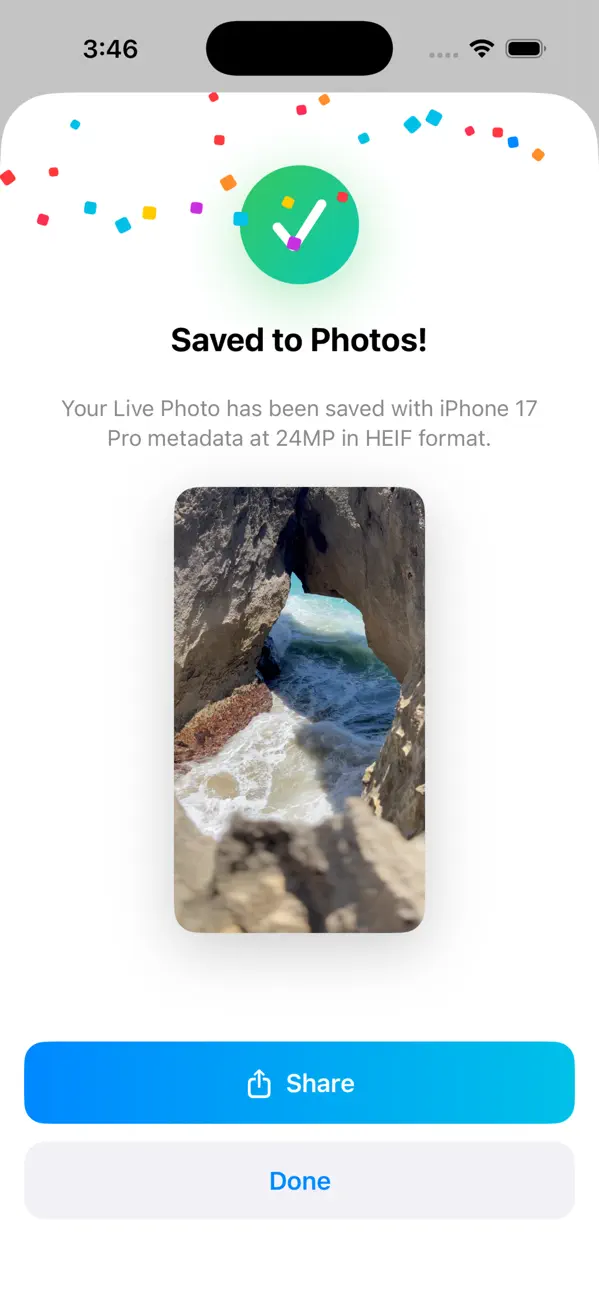
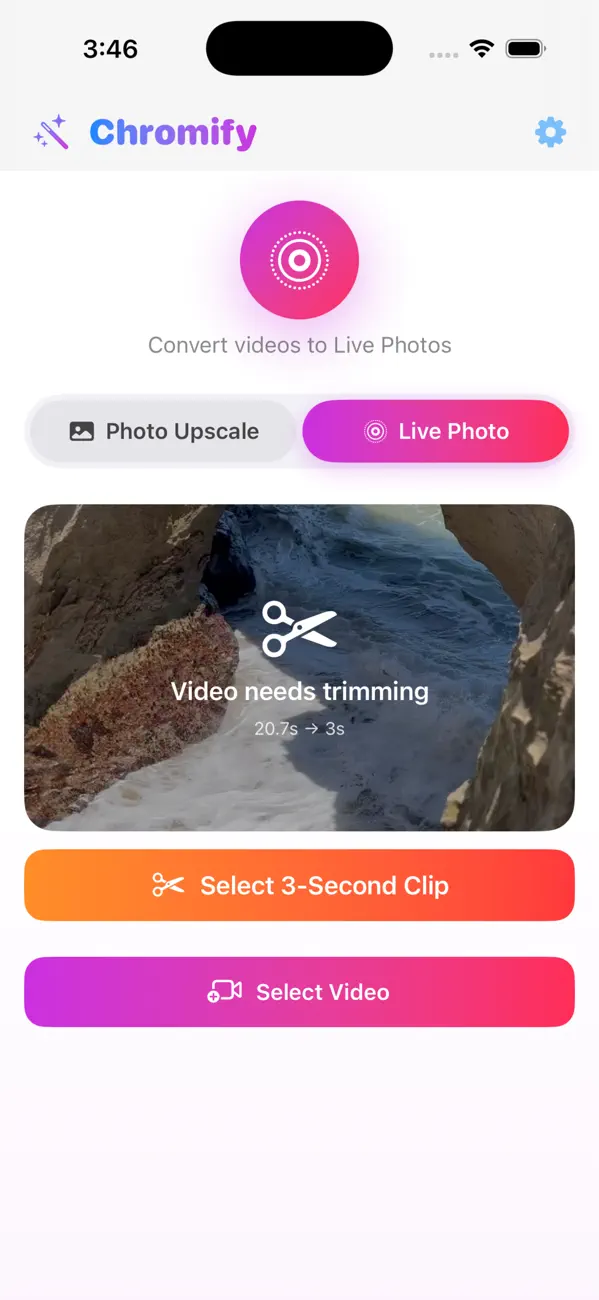
Turn short video clips from your camera roll into native Live Photos you can set as animated lock screens, wallpapers, or share with friends. Chromify trims, converts, and saves the result directly to your photo library with full HEIF and HDR support.
On-Device AI Upscaling
Bring blurry or low-resolution images to life with an AI enhancement pipeline that runs entirely on your iPhone. Upscale photos up to 48 MP while preserving natural detail, color accuracy, and sharpness — no cloud upload needed.
Metadata Editor
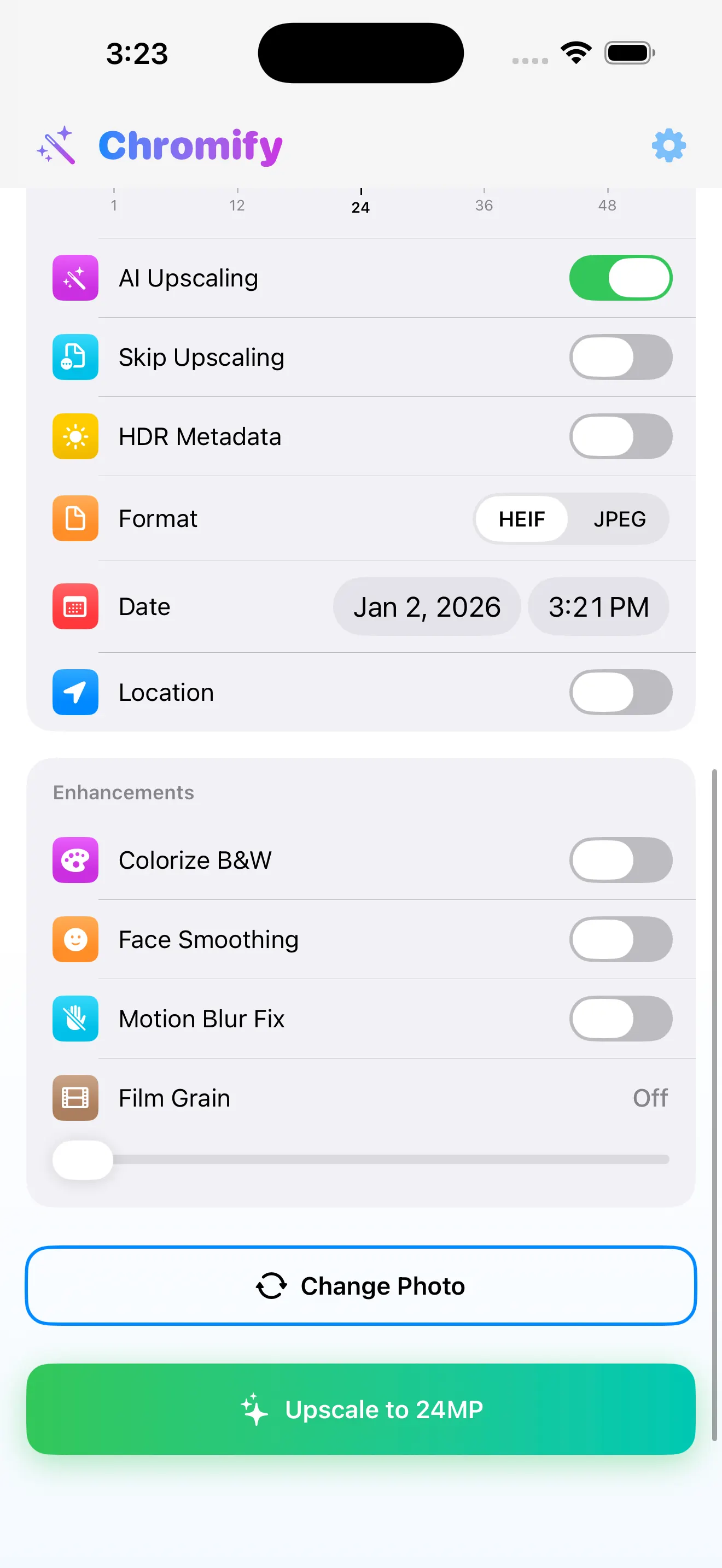
Fix incorrect dates, timestamps, and GPS coordinates so every photo in your camera roll sorts correctly and stays organized. Edit EXIF fields one at a time or apply batch corrections across multiple images in seconds.
Privacy First
Every bit of processing happens on your device. Chromify never uploads your photos or videos to external servers, and the app does not collect personal data. Your camera roll stays private, period.
How It Works
Three taps from raw clip to polished result.
Chromify is designed to feel like a native extension of your Photos app. Pick a photo or video from your camera roll, fine-tune settings with modern controls, and save a crystal-clear result — all without leaving your device.
Select Photo or Video
Open Chromify and pick any photo or video from your camera roll. The app reads resolution, format, and metadata instantly so you know exactly what you are working with.
Tune the Details
Choose your target resolution, toggle AI upscaling, trim video length for Live Photos, or correct metadata fields like date, time, and location — all from one streamlined interface.
Save and Share
Export the finished result back to your Photos library with clean metadata, polished quality, and full HDR support. Share it anywhere or set it as your lock screen wallpaper.

In App
A clear interface that stays fast while you fine-tune details.
Why Chromify Studio
The camera roll toolkit your iPhone has been missing.
Live Photos Made Simple
Live Photos add motion and sound to a single image, turning ordinary moments into immersive memories. With Chromify you can convert any short video clip into a true Live Photo that works as an animated lock screen, a dynamic wallpaper, or a shareable moment. The app handles trimming, format conversion, and HEIF encoding automatically so you get a polished result without extra steps.
AI Upscaling That Stays On-Device
Many upscaling tools require you to upload your images to the cloud. Chromify takes a different approach: the entire AI enhancement pipeline runs locally on your iPhone, leveraging the Neural Engine for speed and efficiency. Upscale photos from your camera roll to resolutions up to 48 MP while keeping every detail sharp and every color accurate \u2014 without an internet connection and without compromising your privacy.
Metadata You Can Trust
Incorrect metadata can cause photos to appear out of order, show the wrong location, or lack important camera information. Chromify\u2019s metadata editor lets you correct dates, timestamps, and GPS coordinates on individual photos or entire batches at once. Keep your camera roll organized and ensure every image tells the right story when you browse, search, or share.
Trust & Control
Built with a privacy-first workflow.
Your camera roll contains some of your most personal memories. Chromify respects that by keeping all image and video processing entirely on your iPhone. No files are uploaded to external servers, no accounts are required, and as listed on the App Store, the app does not collect personal data.
On-device processing No cloud upload required Data not collected iOS 16.0+
Ready to bring your camera roll to life?
Download Chromify Studio for free and start converting videos to Live Photos, upscaling images with AI, and organizing your photo library metadata — all from one beautifully designed iOS app.